
How many variants are created?
The current Studio workflow plans a batch of ten variants. Rendering each video uses the available generation capacity.
Creative variations
Explore different hooks, openings, voices and calls to action from one product brief. See what changed in each version before you choose.
Your product. Your creative decisions.
STILL / Creative study
Make the direction your own
Confirm the product and save a direction with an editable storyboard.
Create a variant batch and inspect the hook, opening, presenter, voice and CTA changes.
Render, compare and approve your selected versions. Performance data is separate from draft quality.

Open on the defining detail
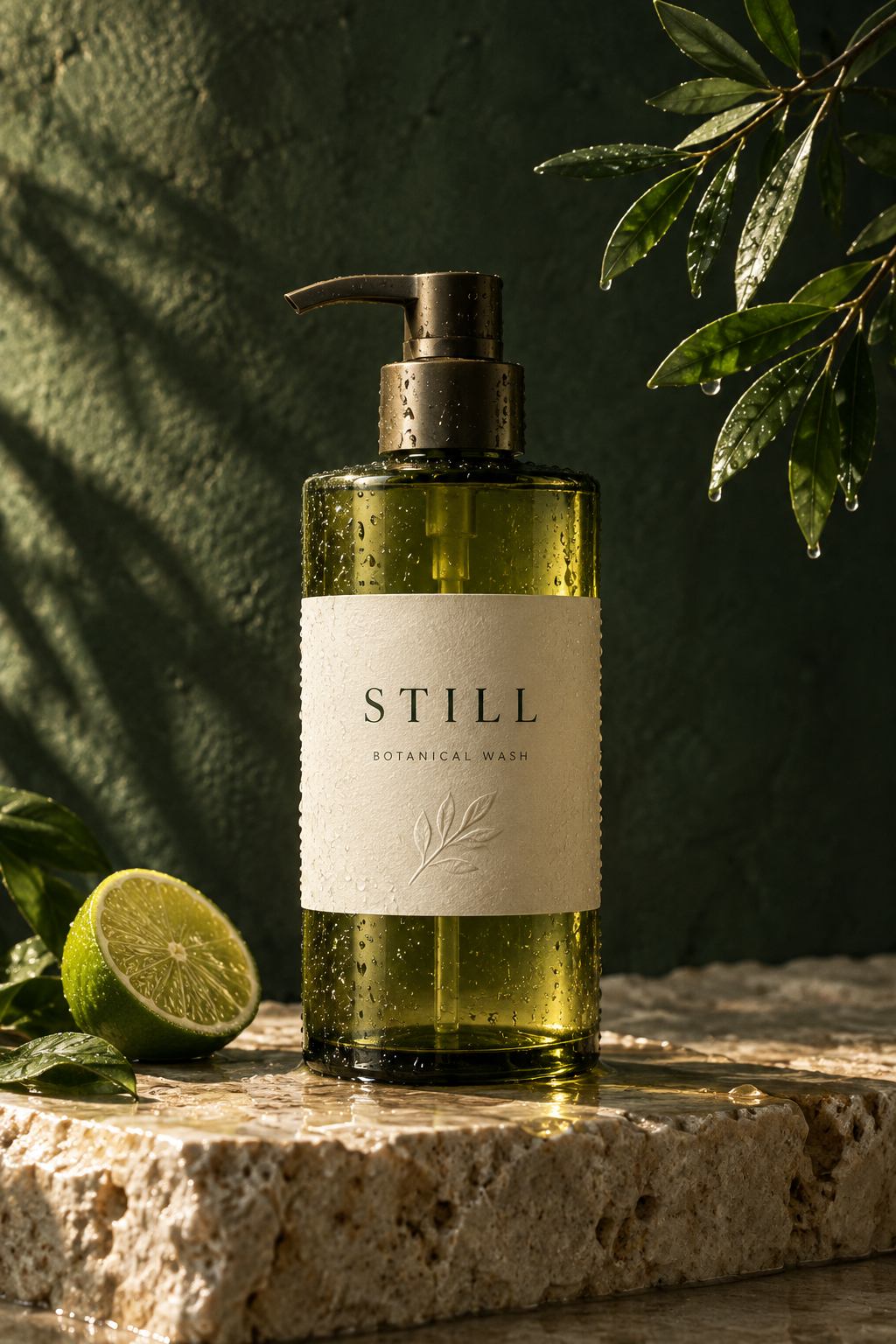
Give the product room to breathe

Set the scene for a daily ritual
One clear next step
The details stay in your hands
Make the creative decisions before the final render. Review what was generated, then decide what is ready to share.
An easy place to start
Use a complete scene structure, then replace the product, talking points and visual direction. Every scene remains editable.
Before you create
The current Studio workflow plans a batch of ten variants. Rendering each video uses the available generation capacity.
No. The variant plans and rendered files have distinct states. You can review plans before starting renders.
No. Creative differences help you organize testing, but they do not guarantee performance.
Keep exploring
Bring a product. Find a direction. Make it yours.